Skip to content

One system for the whole publishing job.

This page is for founders and teams evaluating the complete OpenPost workflow.

Create a source idea, adapt it for each account, prepare the media, schedule the work, inspect the result, and keep the same boundaries when a teammate or tool helps.

Every station keeps its limits visible.

Product scope comes from the current application and documentation. Provider implementation does not become a managed-service availability claim without current certification evidence.

Compose and adapt

Keep one source idea and make each destination version fit.

Write the shared publication once, then change text, media, schedule, and provider settings for each selected account before it leaves OpenPost.

  • Posts, threads, Stories, short videos, and videos use focused authoring paths.
  • Previews and validation stay tied to the selected destination and account.
  • Reusable Social Sets can start a draft with the right group of accounts.
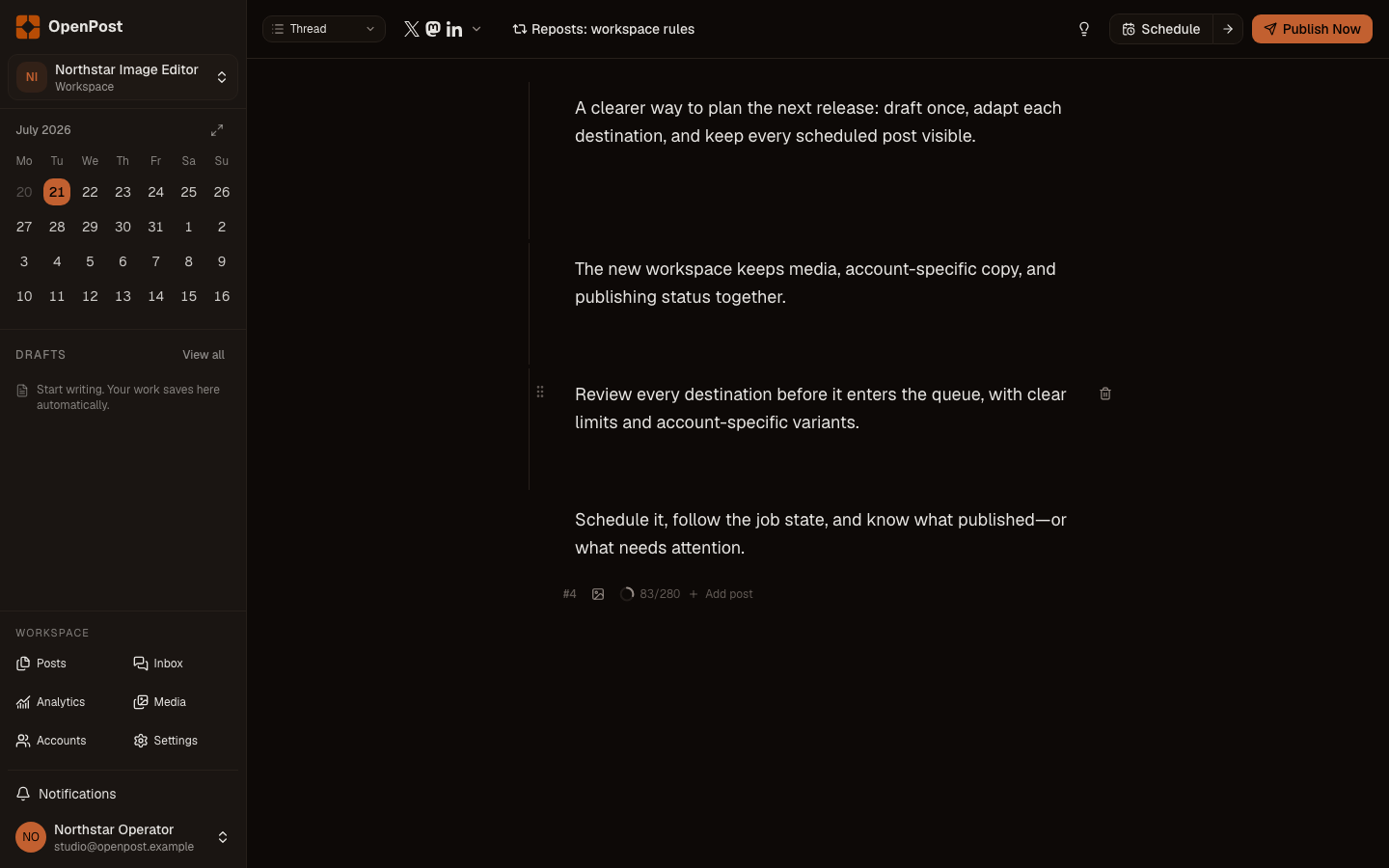
OpenPost publication composer with destination-specific versions
Current OpenPost product surface

Plan and publish

See what is drafted, scheduled, running, published, or failed.

Choose an exact time or a saved weekly slot, then follow the publication and every account result from the calendar and activity views.

  • Durable background jobs keep scheduled work across server restarts.
  • Each destination keeps its own status, result, and actionable error.
  • Safe failures can be retried without re-publishing successful destinations.

Media and editing

Keep reusable assets beside the tools that prepare them.

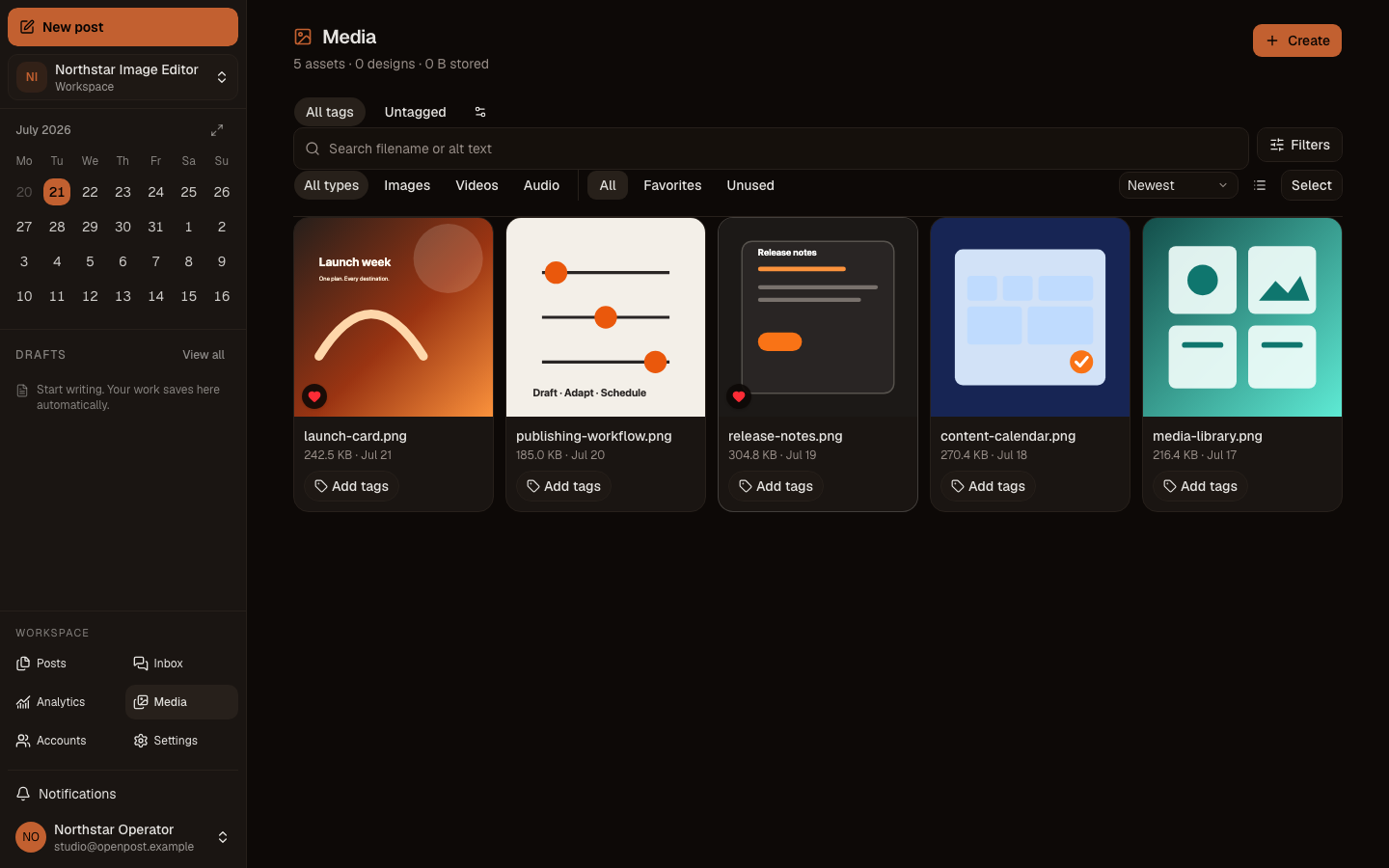
Store media with alt text and metadata, create still designs in OpenPost Image Editor, or prepare clips in OpenPost Video Editor before returning the result to a draft.

  • The media library keeps originals, previews, tags, collections, and editor exports together.
  • OpenPost Image Editor supports multi-page social designs and mobile editing.
  • OpenPost Video Editor supports local projects, timeline edits, captions, recovery, and export.
OpenPost media library with reusable assets
Current OpenPost product surface

Analytics and conversations

Review available results and replies without calling providers on page load.

Inspect stored account and post snapshots, then handle supported comments, replies, alerts, and opted-in inbox messages from the same workspace.

  • Analytics separates views, impressions, reach, engagement, and follower counts when providers expose them.
  • Comments, reply actions, and inbox collection appear only for accounts that support them.
  • Permission and rate-limit errors keep the last successful counters visible.

Workspaces and teams

Separate brands and clients without separating the publishing system.

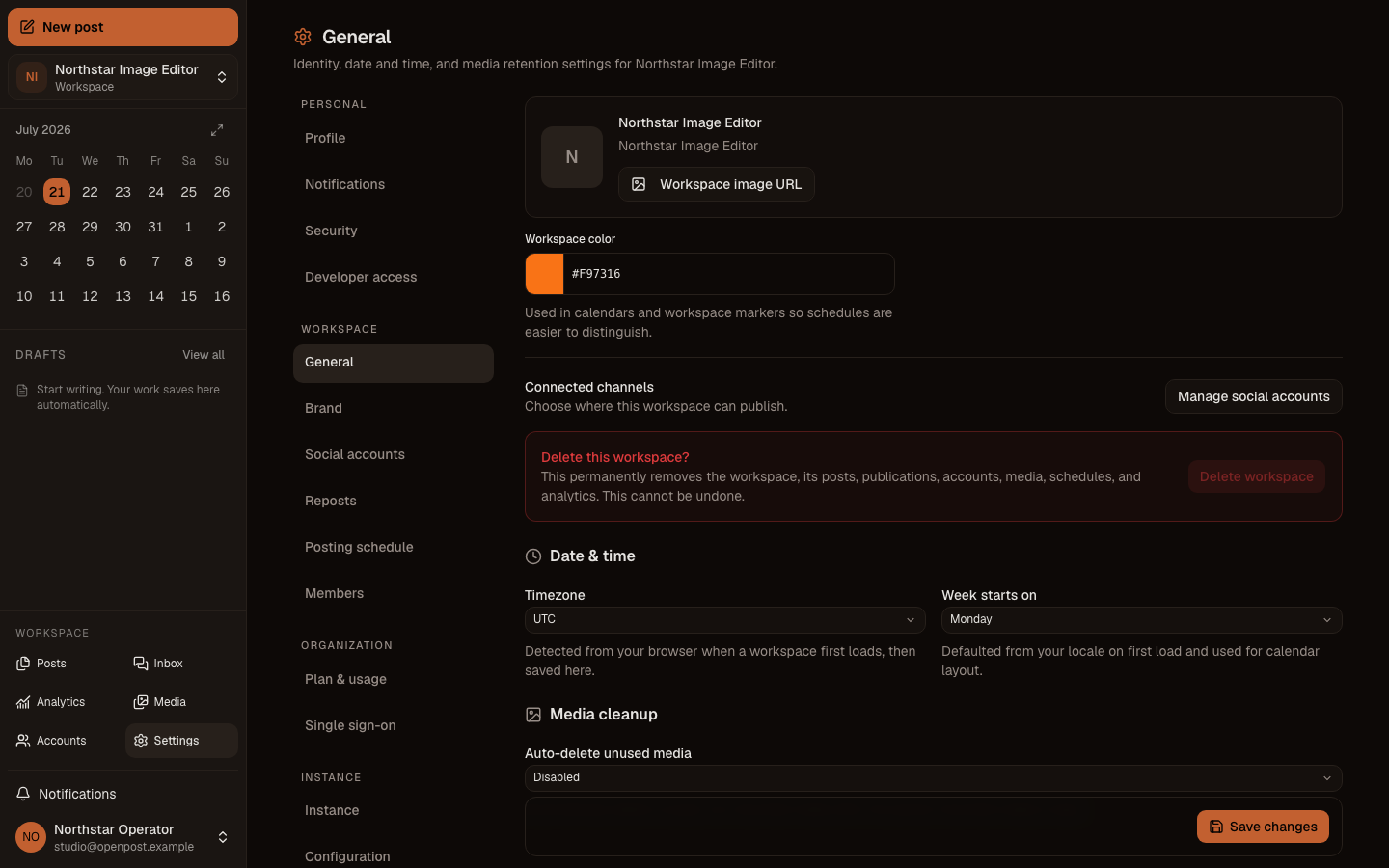
Keep accounts, media, schedules, automation, and member access inside an explicit workspace boundary, with plan usage enforced for its organization.

  • Workspace roles control who can view, edit, publish, manage members, or administer the workspace.
  • Invitations and membership changes stay tied to the invited email and active workspace.
  • Team includes three seats and Agency includes five. Each managed plan sets its own workspace limit.
OpenPost workspace and account settings
Current OpenPost product surface

Automation and self-hosting

Use the same workspace rules from HTTP, the CLI, or an AI tool.

Create scoped tokens for scripts and MCP clients, inspect operations before executing them, or run the complete service on infrastructure you control.

  • The typed HTTP API, CLI, and MCP server use the same authorization and workspace boundaries.
  • Read-only and state-changing MCP operations stay separate.
  • Self-hosting uses one Go service, SQLite by default, and configurable database, media, and provider settings.

Implementation and current managed availability are different facts.

OpenPost has 10 provider adapters in the product catalogue. No exact managed provider-format certification claim is current. Account type, provider review, granted permissions, runtime controls, and current live tests can still change what one account can publish.

Start with the limits you need now.

Every managed plan includes the publishing workflow. Workspaces, connected accounts, scheduled posts, media storage, seats, and team roles determine which plan fits.